# [SCHNÌTZELBÀNK 3000](https://p-node.org/actions/schnitzelbank-2025) s'mopilette
*En première mondiale du 17 au 20 décembre 805 sur [p-node.org](https://p-node.org).*
Yet another [TT-box](https://p-node.org/documentation/pibox) variation, this time based on darkice and network-manager!
## Principle
- a Raspberry Pi or equivalent (tested on a Rpi 3B+ running raspbian stretch) with :
- setup the WiFi networks you wanna use (4G router, phone, box...)
- plug a **zoom/audio interface** into your raspi via USB
- power it via a powerbank: you're on air!
- unplug the zoom to stop streaming, plug it back to reconnect
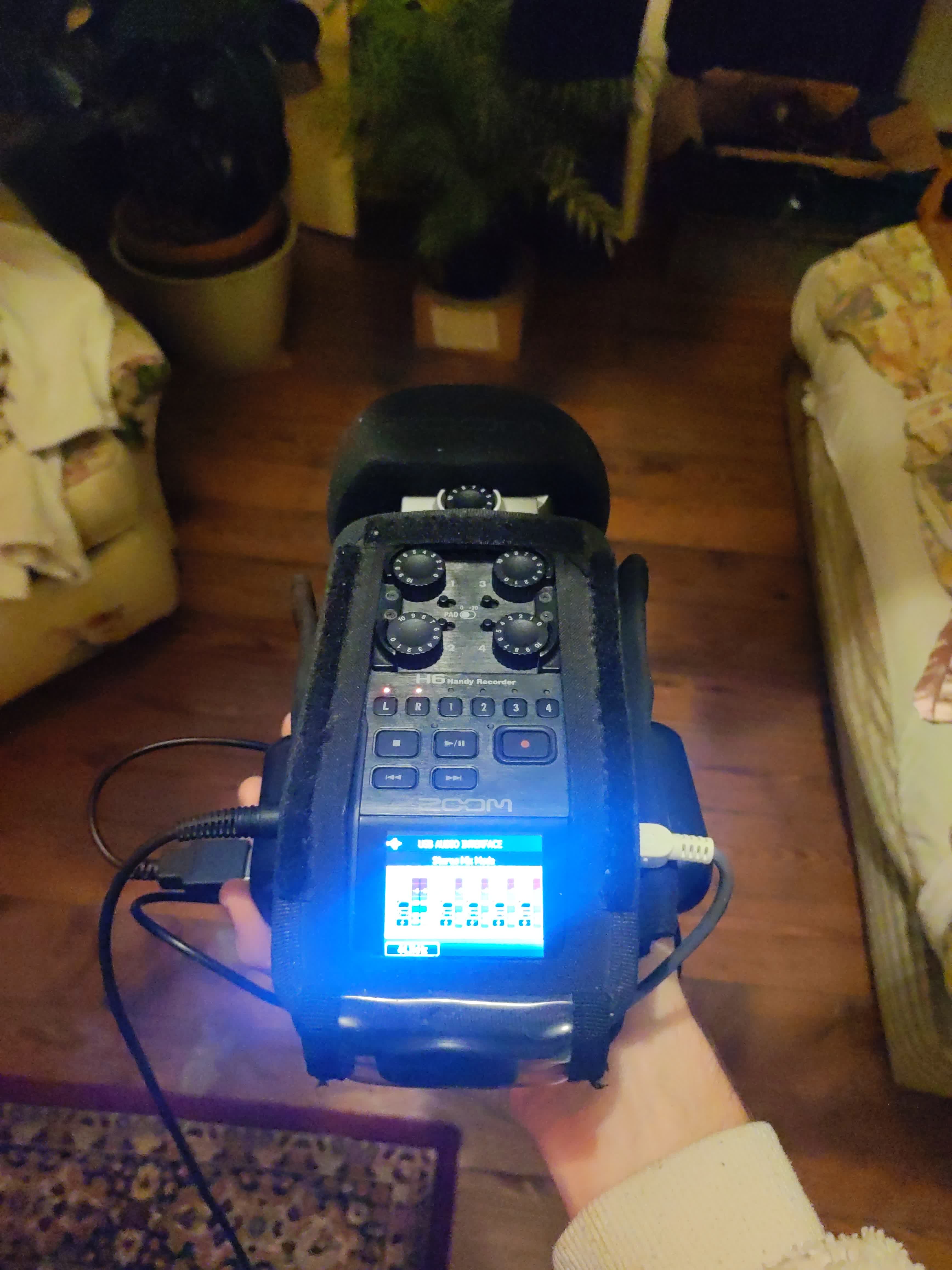
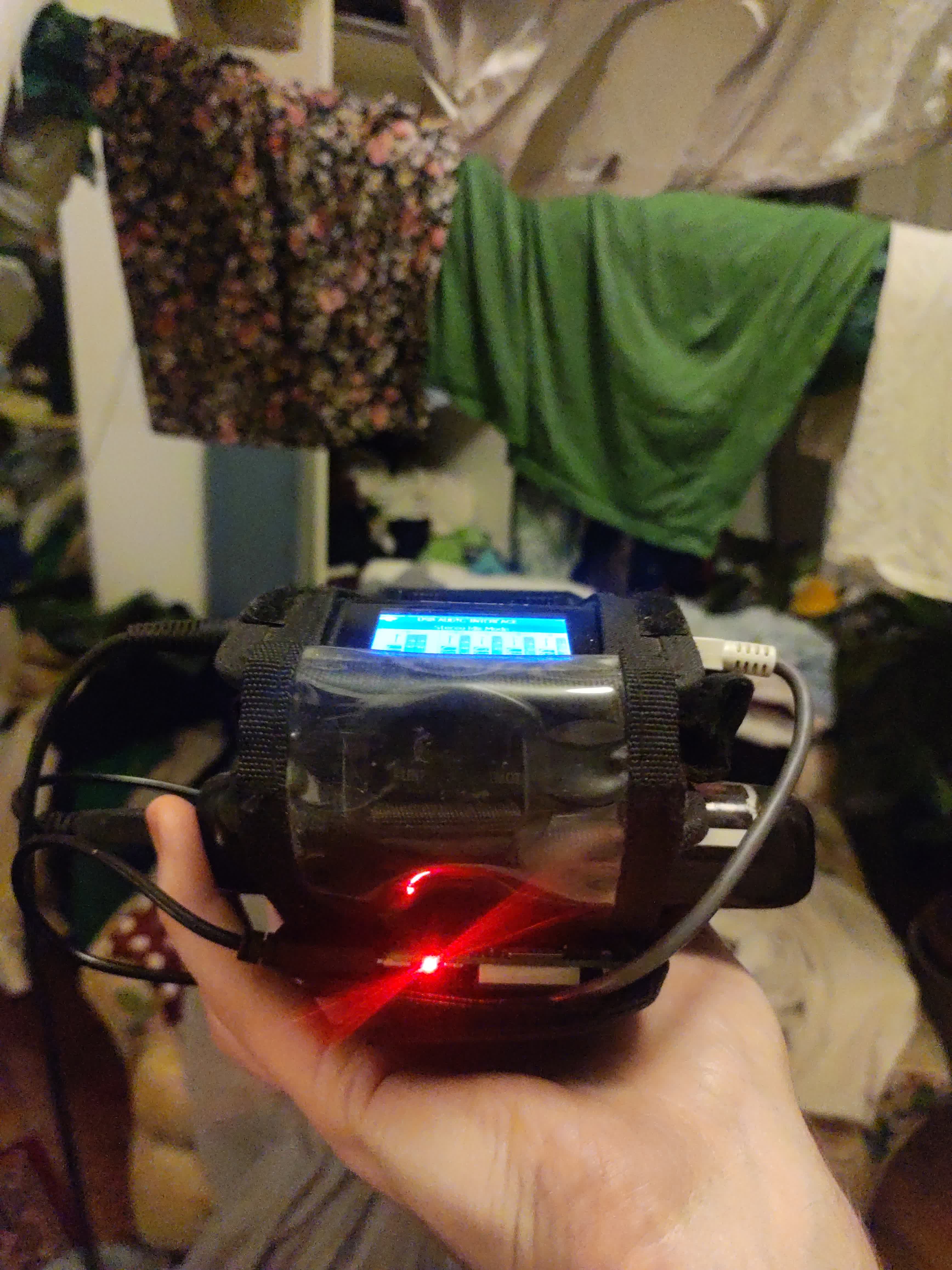
## Step-by-step
Log in to the raspi via SSH.
install `darkice` and `NetworkManager` :
```sudo apt install darkice NetworkManager```
create the darkice configuration file:
`nano /home/pi/darkice.cfg`
```systemd
[general]
duration = 0 # duration of encoding, in seconds.
bufferSecs = 2 # size of internal slip buffer, in seconds
reconnect = yes # reconnect to the server(s) if disconnected
[input]
device = hw:1,0
sampleRate = 44100 # sample rate in Hz. try 11025, 22050 or 44100
bitsPerSample = 16 # bits per sample. try 16
channel = 2 # channels. 1 = mono, 2 = stereo
[icecast2-0]
bitrateMode = cbr # constant bit rate
format = mp3 # format of the stream
bitrate = 1 # bitrate of the stream sent to the server
server = stream.p-node.org # host name of the server
port = 8002 # port of the IceCast2 server, usually 8000
password = [hackme] # source password to the IceCast2 server
mountPoint = micro-ondes.org # mount point of this stream on the IceCast2 server
name = Schnitzelbank s'mopilette # name of the stream
description = Adada
genre = Live
[file-0]
format = mp3
bitrate = 192 # bitrate of the recording
bitrateMode = cbr # constant bit rate
fileName = /home/pi/rec/Schnitzelbank_.mp3
fileAddDate = yes
fileDateFormat = %Y%m%d-%Hh%Mm%Ss
```
create its systemd unit for launch at bootup:
`nano /home/pi/mopilette-stream.service`
```systemd
[Unit]
Description=mopilette streaming
After=multi-user.target
Wants=network-online.target sound.target
[Service]
Type=simple
User=root
Group=root
ExecStart=/usr/bin/darkice -c /home/pi/darkice.cfg
Restart=on-failure
RestartSec=5
[Install]
WantedBy=multi-user.target
```
enable it:
```
sudo systemctl enable /home/pi/mopilette-stream.service
sudo systemctl start mopilette-stream
```
(optional) download and compile PiFmRds:
```
sudo apt install git libsndfile1-dev
git clone https://github.com/ChristopheJacquet/PiFmRds.git
cd PiFmRds/src
make clean
make
```
setup the network:
```
sudo raspi-config
```
-> Localisation Options
-> WLAN Country
```
sudo systemctl disable dhcpcd
sudo systemctl stop dhcpcd
nmtui
```
-> Activate a connection
Reboot! You'll be on air after less than 30s.